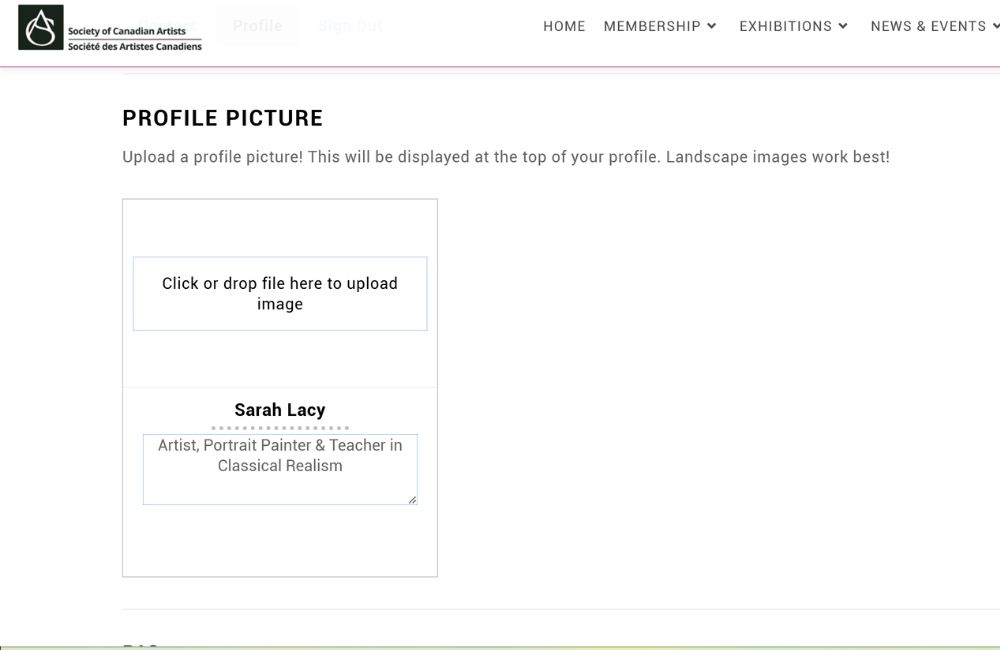
You can either drop a file onto the page or click the box and it’ll open a file folder on your computer. We suggest a landscape oriented image to complement the directory style (maybe a photo of you with your art!)
You can also fill in a short tagline about yourself and your art that will be displayed both on the main directory page and your profile.
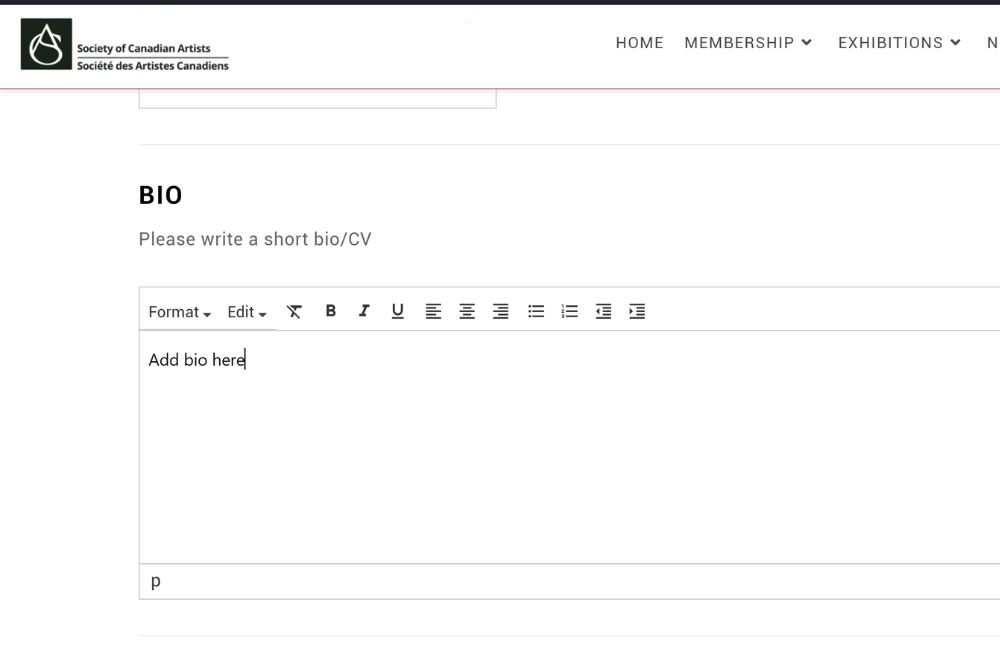
Step 4:Fill in your bio
And if you’d like, you can add and format a selection from your CV.
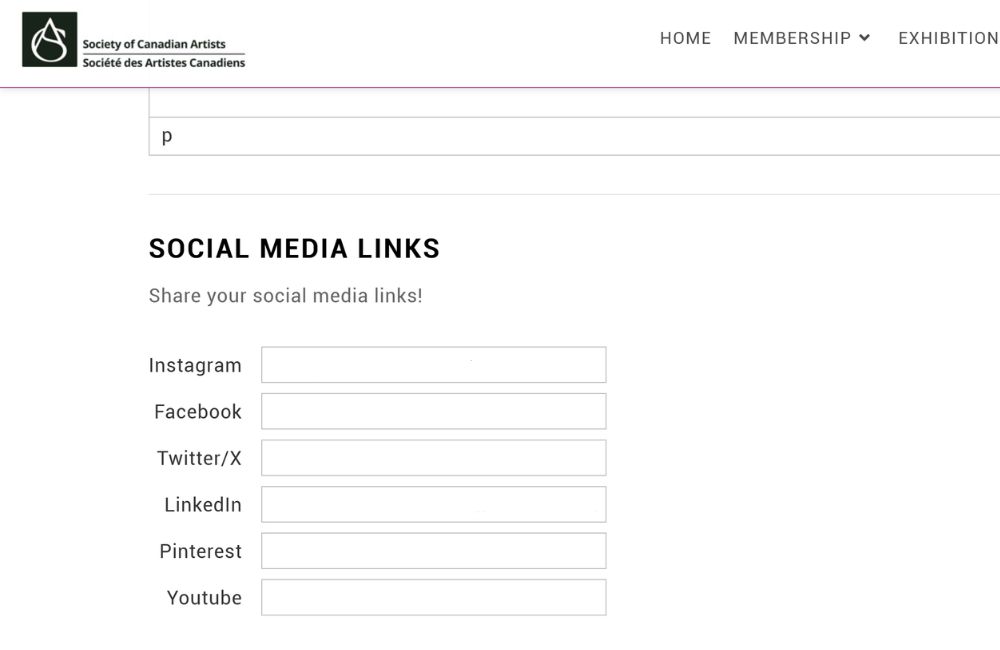
Step 5:Add your social media links!
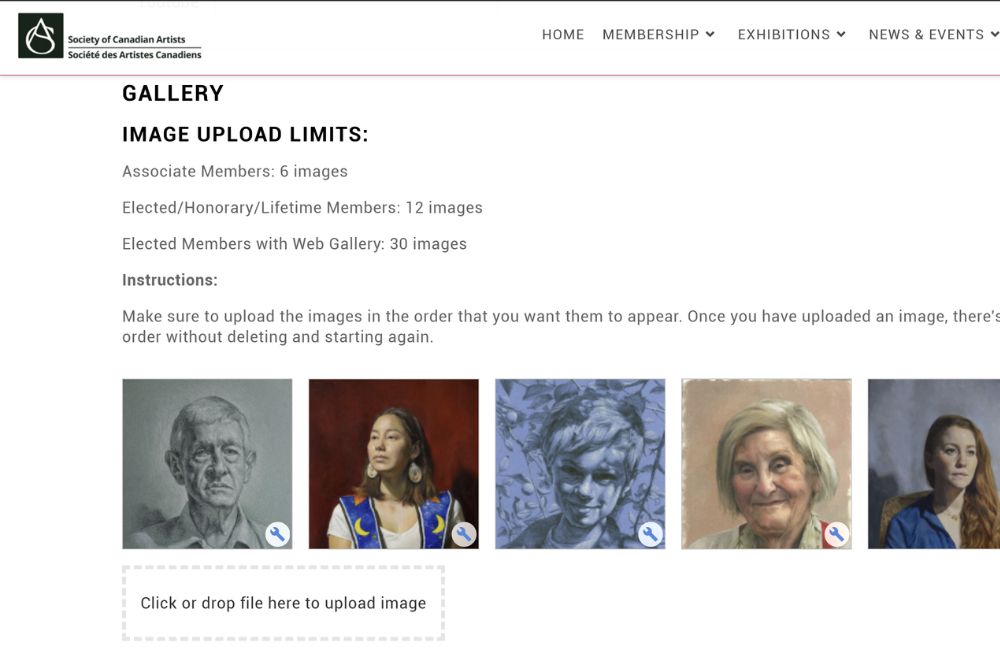
Step 6: Add images of your artwork for the world to see!
Some tips:
Maximum file size is 3mb
A jpg format will work best
Upload your files in the order you would like them to be displayed. The image order cannot be changed once you’ve uploaded your files without deleting and uploading the images again.
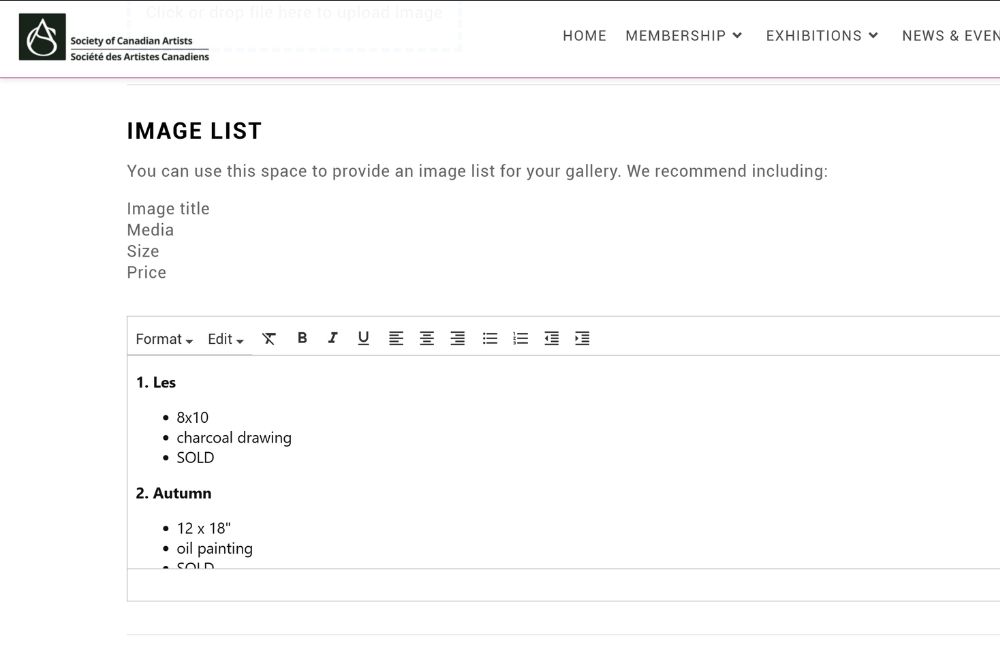
Step 7: Add an image list
Provide information about your artwork, like title, media, size and price!
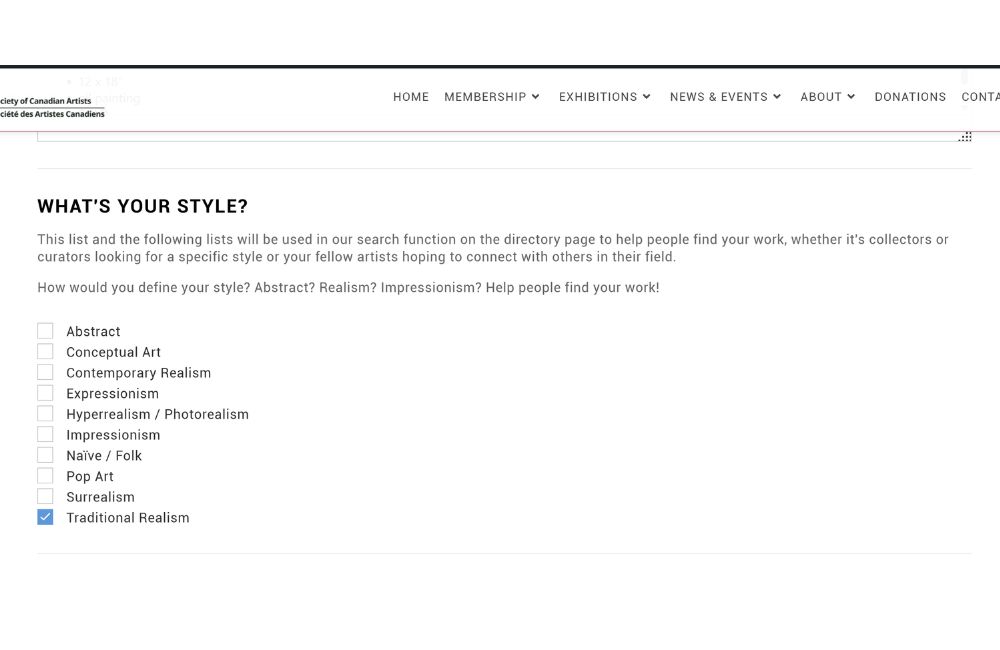
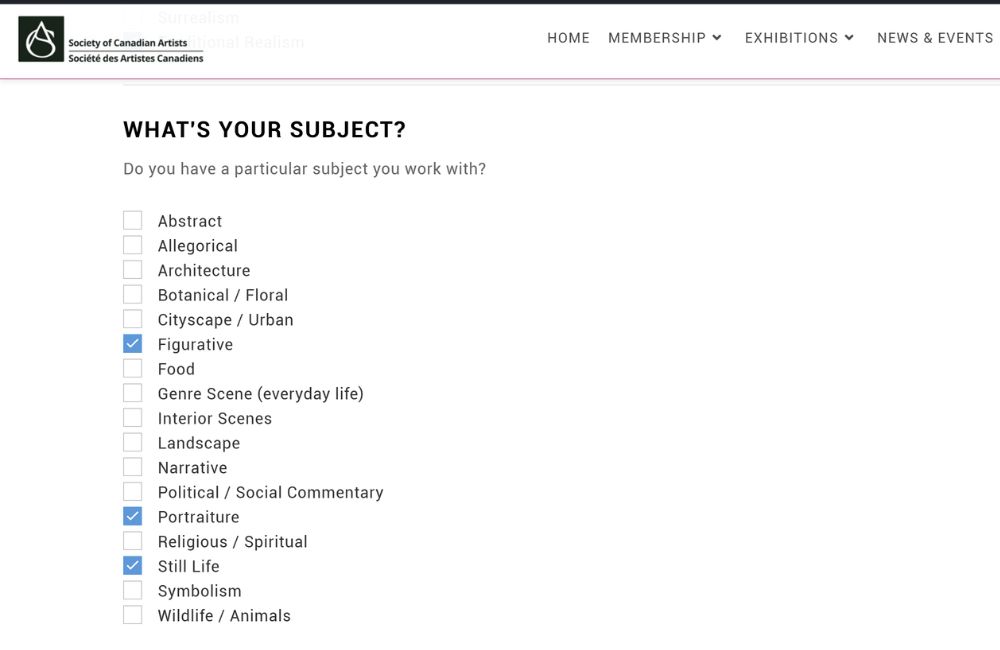
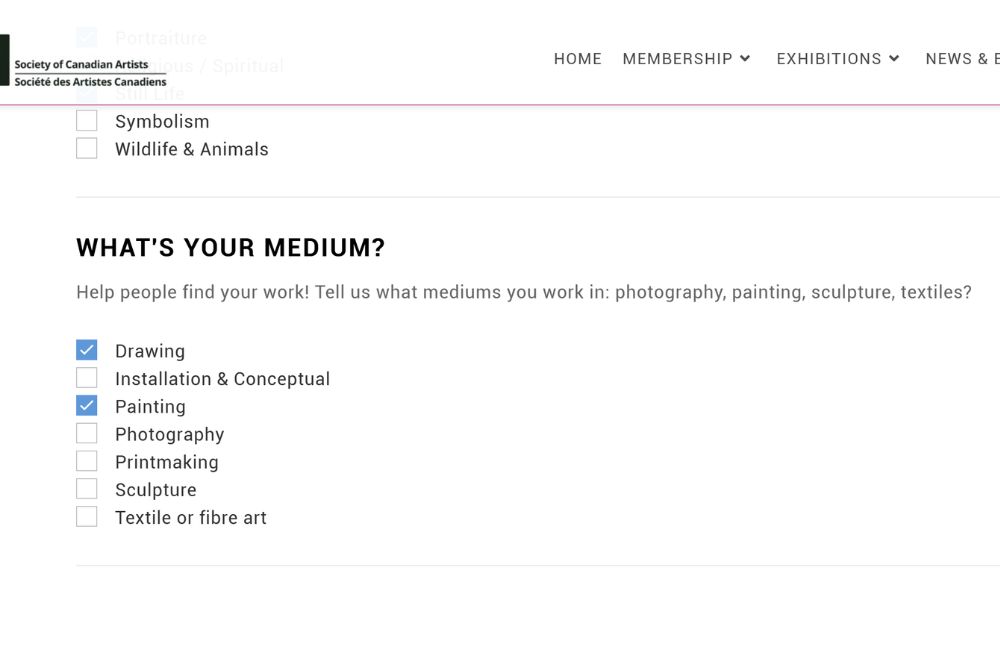
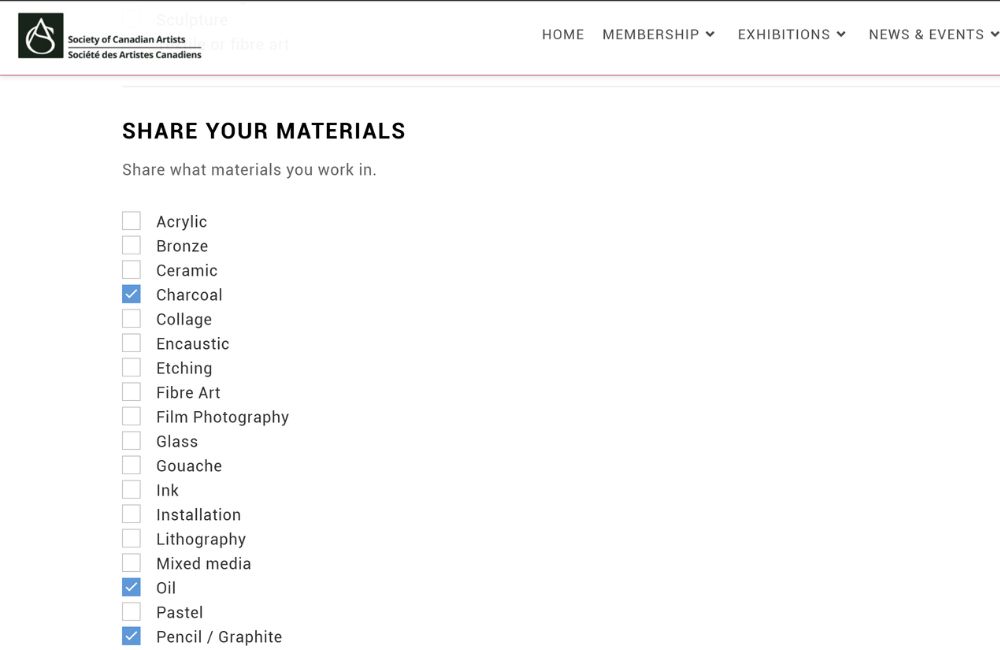
Step 8: Add labels to help people find your work!
Our new directory has a more complex search function, allowing our artists to categorize their work in 4different ways: style, subject, medium and materials!
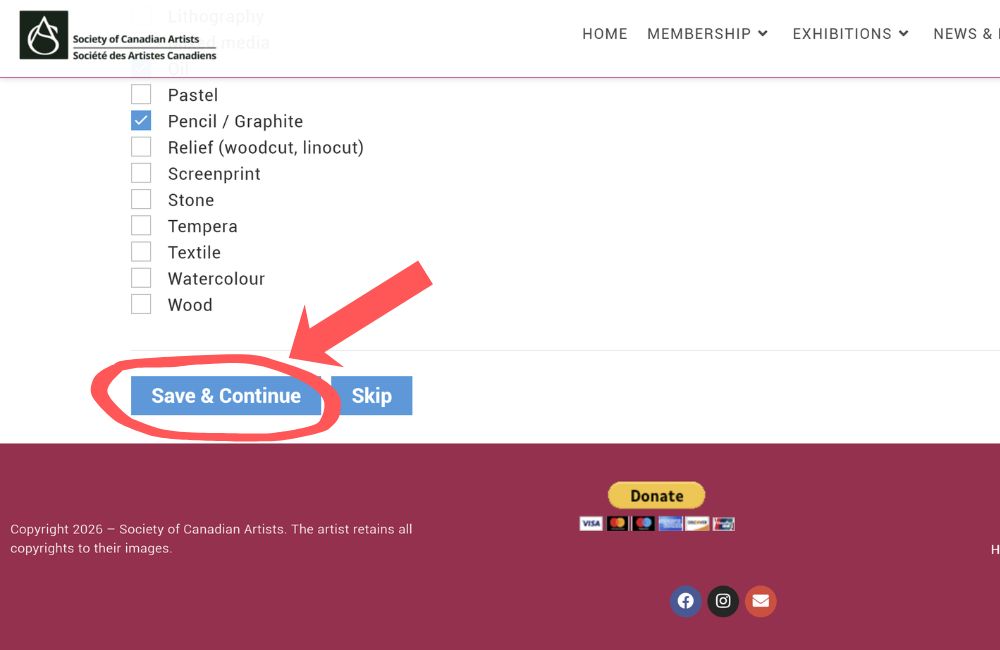
Step 9: Click “Save & Continue” to save your profile updates!